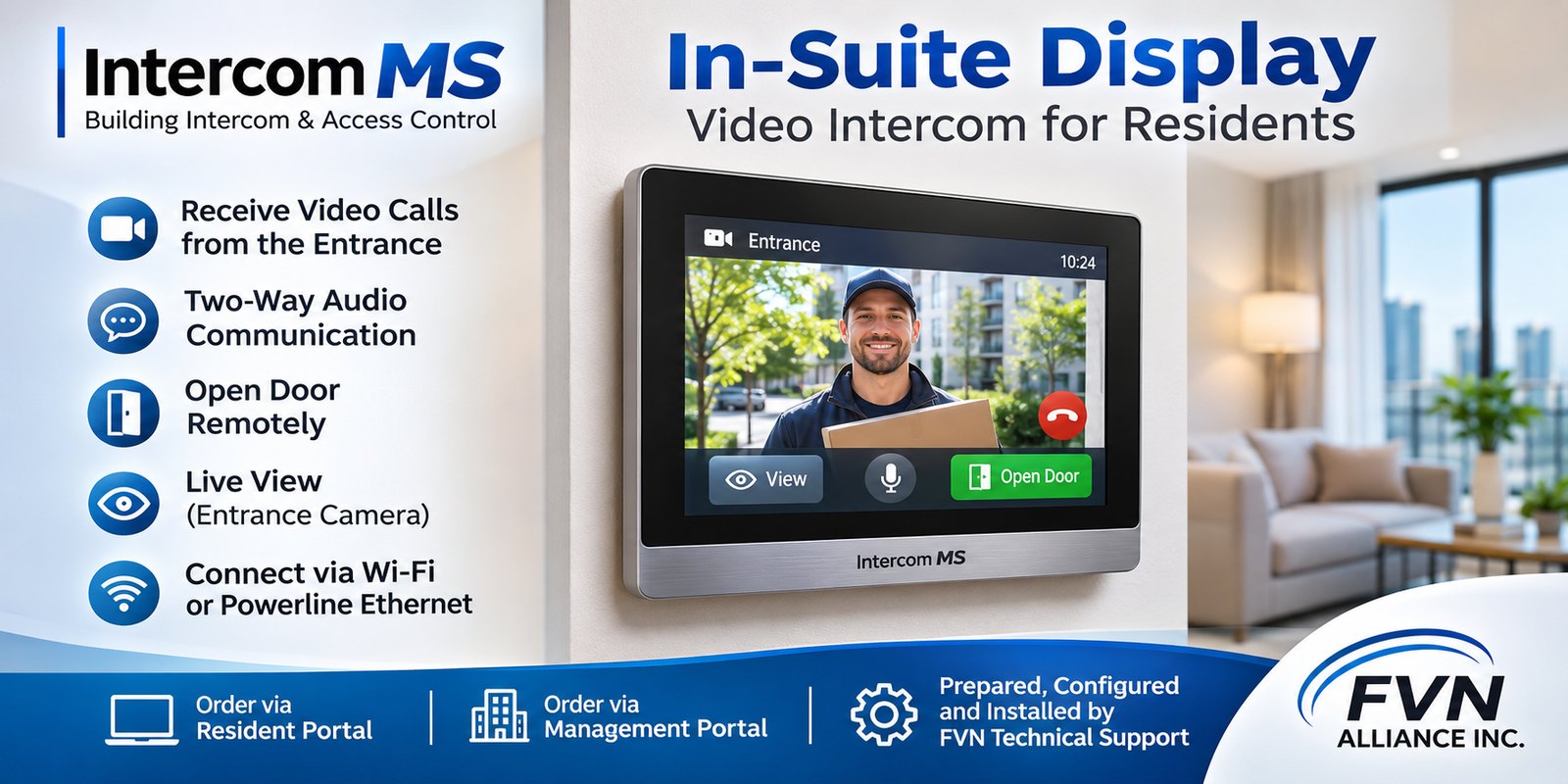
The In-Suite Display is an optional indoor video intercom device designed for residents. It allows residents to receive calls from the building entrance intercom, view visitors, communicate with them, and remotely unlock the entrance door.
Main Features
1 Incoming Intercom Calls
Receive incoming video calls from the building’s intercom system.
Automatically display live video of the visitor when a call is received.
Enable two-way audio communication between the resident and the visitor.
Provide an Open Door button to remotely unlock the entrance.
2 Network Connectivity
Connect to the building’s Intercom MS system using Wi-Fi or Powerline Ethernet adapters.
Operate from a standard electrical outlet inside the residential unit.
Minimize installation requirements without the need for dedicated communication cabling.
3 Live Video Preview
Support live video preview from the entrance intercom, subject to device compatibility and system capabilities.
Provide a View button to manually activate the entrance camera.
Allow residents to check the entrance without receiving an incoming call.
4 Door Control
Provide a dedicated Open Door button.
Allow residents to remotely unlock the designated entrance door.
Support door-opening functionality during an active intercom call and, where authorized, independently of a call.
Ordering and Installation
5 Resident and Management Portals
Residents and property managers can request an In-Suite Display through:
Resident Portal: Residents can order a display directly from their account.
Management Portal: Property managers can place orders on behalf of residents.
6 Device Preparation and Installation
Once an order is received:
FVN Technical Support prepares and configures the display for the specific residential unit.
The device is registered and provisioned within the Intercom MS system.
The configured display is delivered to the resident’s unit.
FVN Technical Support installs the device, establishes network connectivity, and verifies its operation.
The technician tests incoming video calls, two-way audio, live preview (if supported), and door-opening functionality.
Project Objective
The In-Suite Display provides residents with a convenient, dedicated alternative to using a smartphone for intercom communication.
The solution is designed for simple installation, flexible connectivity, and seamless integration with the existing Intercom MS platform, without requiring new communication cabling to each residential unit.
Follow FVN Alliance
Stay connected for the latest updates on Intercom MS, smart building technology, and communication solutions.