Building access, simplified

A clearer way to manage your intercom system.

Intercom Management brings buildings, units, residents, devices, and communication workflows together in one secure workspace.

Direct Unit Number Dialing

  • Eliminates outdated buzz codes.
  • Visitors simply dial the resident’s unit number to initiate a call.
  • Enhances security by preventing unauthorized code sharing and simplifying the user interface.

Open Door Notification

  • Residents receive an instant alert when their door is remotely unlocked.
  • Provides peace of mind by confirming successful access, even if the resident does not answer the intercom.

Continuous Audio After Door Unlock

  • Maintains communication between the resident and visitor after the door is opened.
  • Allows additional verification or instructions, ensuring smooth and secure entry.

Key Features and Ideas

The system utilizes state-of-the-art digital communication to address the limitations of traditional intercom systems, offering intuitive, secure, and scalable functionality.

Direct Unit Number Dialing

  • Eliminates outdated buzz codes.
  • Visitors simply dial the resident’s unit number to initiate a call.
  • Enhances security by preventing unauthorized code sharing and simplifying the user interface.

Open Door Notification

  • Residents receive an instant alert when their door is remotely unlocked.
  • Provides peace of mind by confirming successful access, even if the resident does not answer the intercom.

Continuous Audio After Door Unlock

  • Maintains communication between the resident and visitor after the door is opened.
  • Allows additional verification or instructions, ensuring smooth and secure entry.

One-Button Access to Management or Security

  • Dedicated call buttons for direct access to building management or security staff.
  • Available to both residents and visitors at any intercom station.
  • Ensures fast assistance in case of emergencies, deliveries, or general inquiries.

Multi-Device Call Acceptance with Flexible Routing

Intercom calls can be answered on multiple devices, including:

  • Home phone (landline or VoIP)
  • Cell phone
  • Mobile app
  • In-unit video door display
  • PC or laptop (softphone or web portal)

Custom call routing logic:

  • Simultaneous ring: All devices ring at the same time.
  • Sequential ring: Devices ring in a defined order (e.g., door display, then cell, then PC).

Ensures every call is delivered and answered with maximum flexibility and reliability.

Technological Advantages

Our digital-first approach significantly reduces infrastructure complexity while improving functionality and long-term maintainability.
No In-Unit Cabling Required

  • Operates entirely over IP-based communication.
  • Eliminates the need for dedicated in-unit wiring.
  • Ideal for both new developments and retrofit projects.

Utilization of Existing Digital Infrastructure

  • Integrates seamlessly with building-wide digital phone systems or VoIP networks.
  • Minimizes installation time and cost by leveraging existing wiring and internet access.

Advanced Connectivity and Mobility

Designed with modern lifestyles in mind, the system offers mobile access and high-quality video integration.
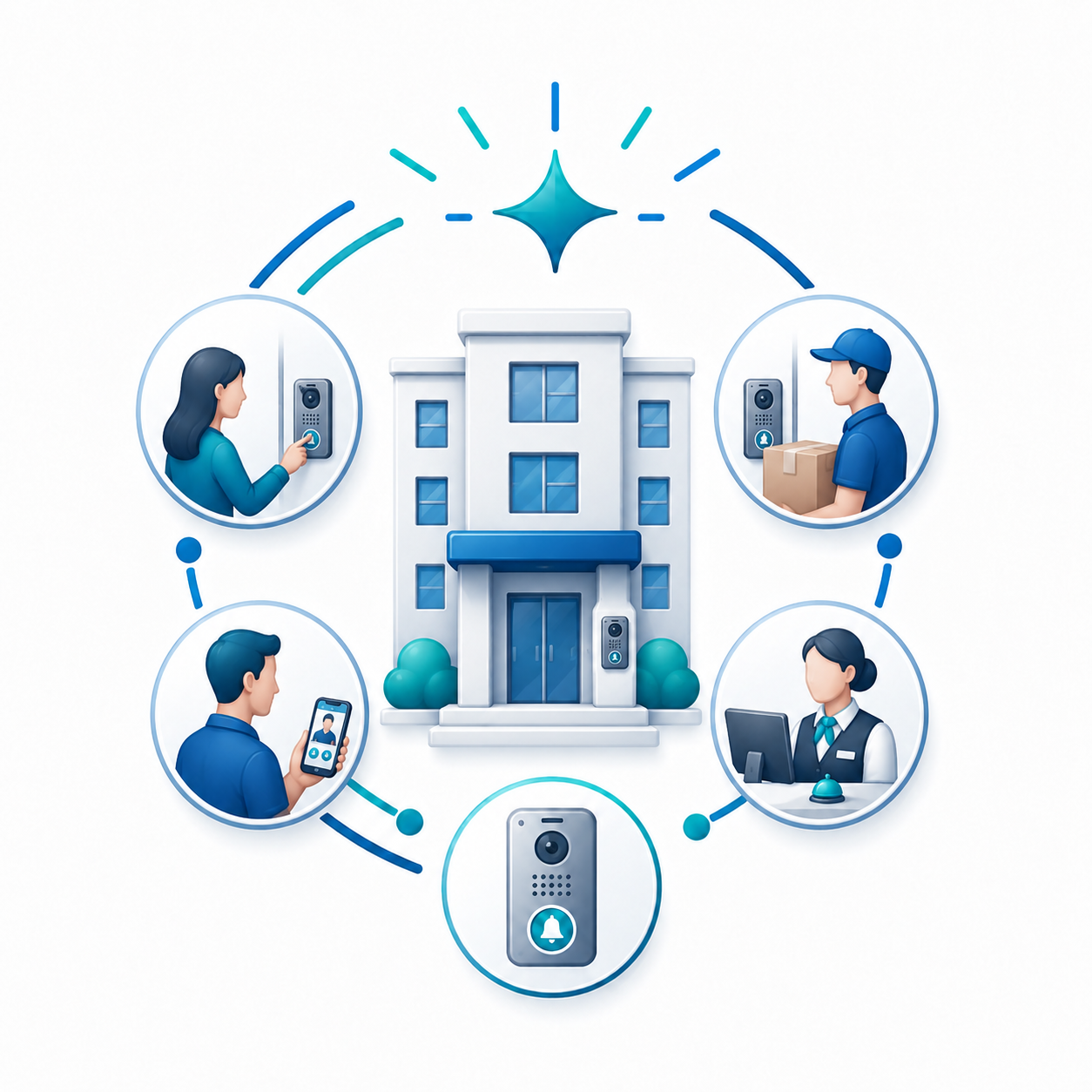
Integrated Video Calling

  • Enables residents to see and speak with visitors before granting access.
  • Improves resident confidence and deters unauthorized entry attempts.

Mobile App Access

  • Residents can receive intercom calls directly on their smartphones, including both audio and video.
  • Supports remote door unlocking and call management from anywhere in the world.

No Roaming Charges

  • Uses data over Wi-Fi or mobile internet connections instead of traditional voice calls.
  • Residents avoid roaming charges while enjoying full intercom functionality globally.

Typical Use Cases

  • Residential buildings (visitor communication)
  • Office buildings (reception and internal communication)
  • Warehouses (gate control and loading dock)
  • Educational and medical institutions (hallway stations, emergency buttons)