Overview
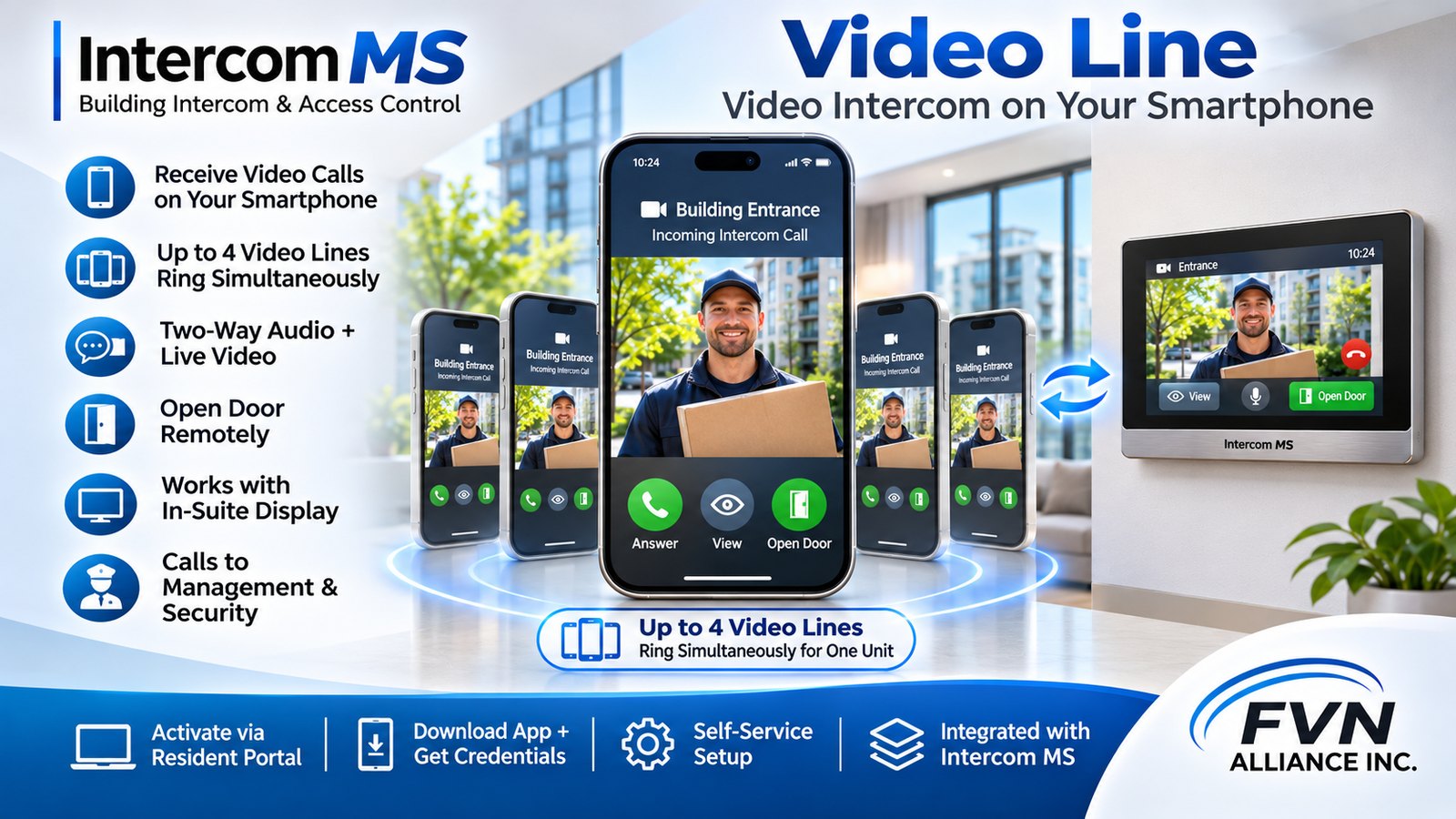
Video Line is a mobile application-based intercom service that allows residents to receive video calls from the building entrance intercom directly on their smartphones.
The service enables residents to see visitors, communicate with them, and remotely unlock the entrance door from their mobile devices, whether they are at home or away.
Main Features
1 Incoming Intercom Calls
- When a visitor selects a residential unit on the building intercom, all registered Video Lines associated with that unit ring simultaneously.
- Residents can answer incoming intercom calls directly from their smartphones.
- The application displays live video from the entrance intercom during the call.
- Two-way audio communication allows residents to speak with visitors.
- Residents can remotely unlock the entrance door using the Open Door button.
2 Multiple Mobile Devices
- Each residential unit can register up to four Video Lines on separate smartphones.
- All four Video Lines ring simultaneously when the unit receives an intercom call.
- Each registered smartphone operates independently under the same residential unit.
- Video Lines assigned to other residential units are not affected.
3 Integration with In-Suite Displays
- Video Lines operate in parallel with the optional Intercom MS In-Suite Display.
- When a visitor calls a unit, both the registered smartphones and the In-Suite Display receive the incoming call simultaneously.
- Residents can answer using either their smartphone or their In-Suite Display.
4 Outgoing Calls
Video Lines can make outgoing calls to authorized building contacts:
- Management Office
- Building Security
- Outgoing calls to external telephone numbers are restricted.
- Incoming calls are accepted only from authorized building intercom devices.
Resident Registration and Activation
5 Resident Portal Integration
Residents can activate their Video Lines directly through the Intercom MS Resident Portal.
The portal provides:
- A download link for the supported mobile application.
- Individual SIP account credentials for Video Line registration.
- Setup instructions for configuring the application.
- Information about the Video Lines assigned to the residential unit.
6 Self-Service Installation
Residents can install and configure the application without requiring an on-site technician.
Activation Process:
- Log in to the Intercom MS Resident Portal.
- Open the Video Lines section.
- Select an available Video Line.
- Download and install the mobile application using the provided link.
- Configure the application using the assigned credentials.
- Complete registration and start receiving intercom calls.
Project Objective
The Intercom MS Video Line service transforms residents’ smartphones into fully functional video intercom stations.
By supporting up to four smartphones per unit, simultaneous ringing, integration with In-Suite Displays, and direct communication with building management and security, the service provides a flexible and convenient alternative to traditional wired intercom systems.
Video Line is an integrated component of the Intercom MS platform, designed to provide secure and convenient building access communication.